
Getting started
How to add a client
Companies are your clients, and everything in CertFlow hangs off them: a client owns sites, and sites hold the assets you inspect. Adding one takes a handful of fields.
- 1
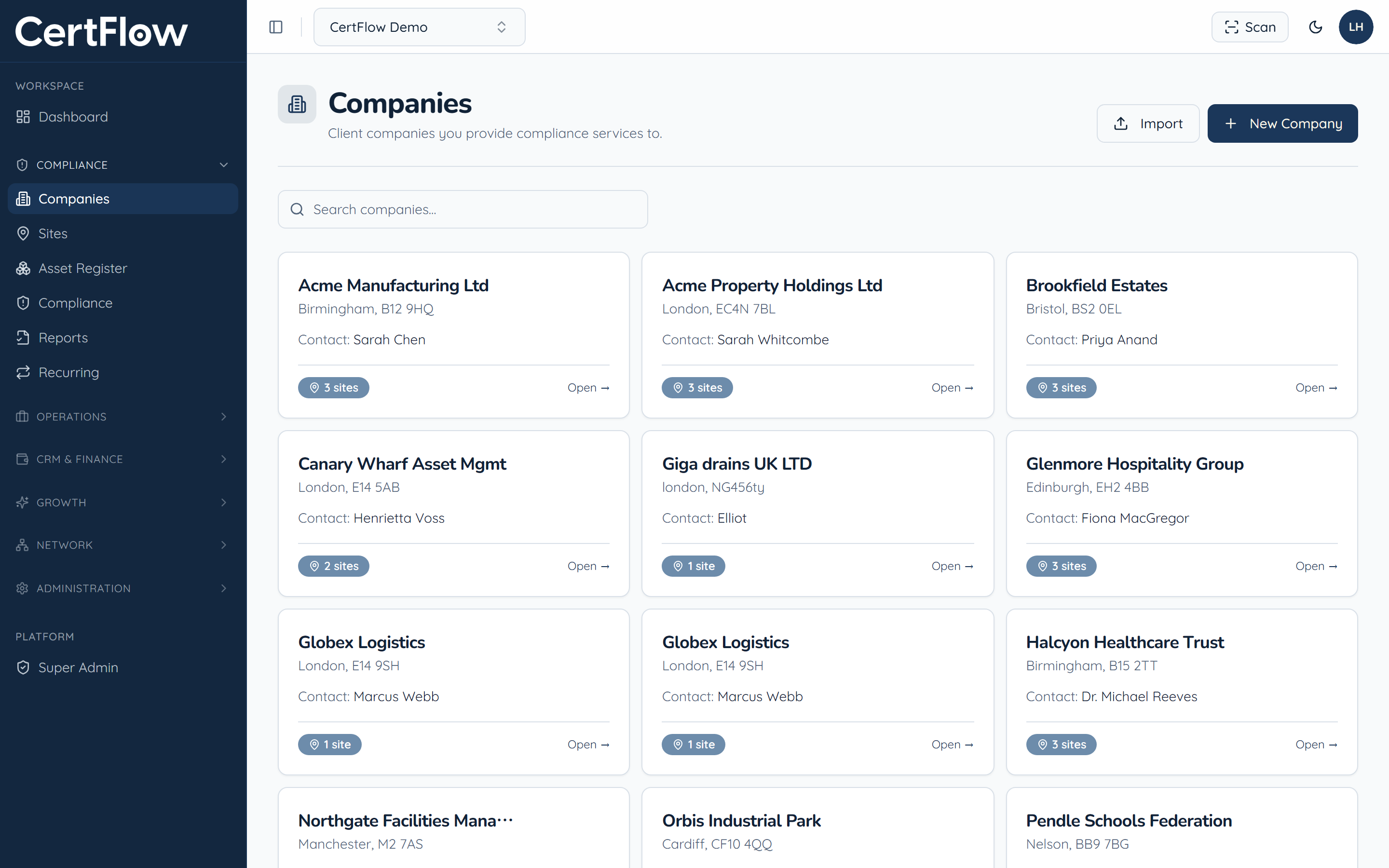
Open Companies and click New Company
In the left sidebar, under Compliance, open Companies, then click New Company at the top right.
- 2
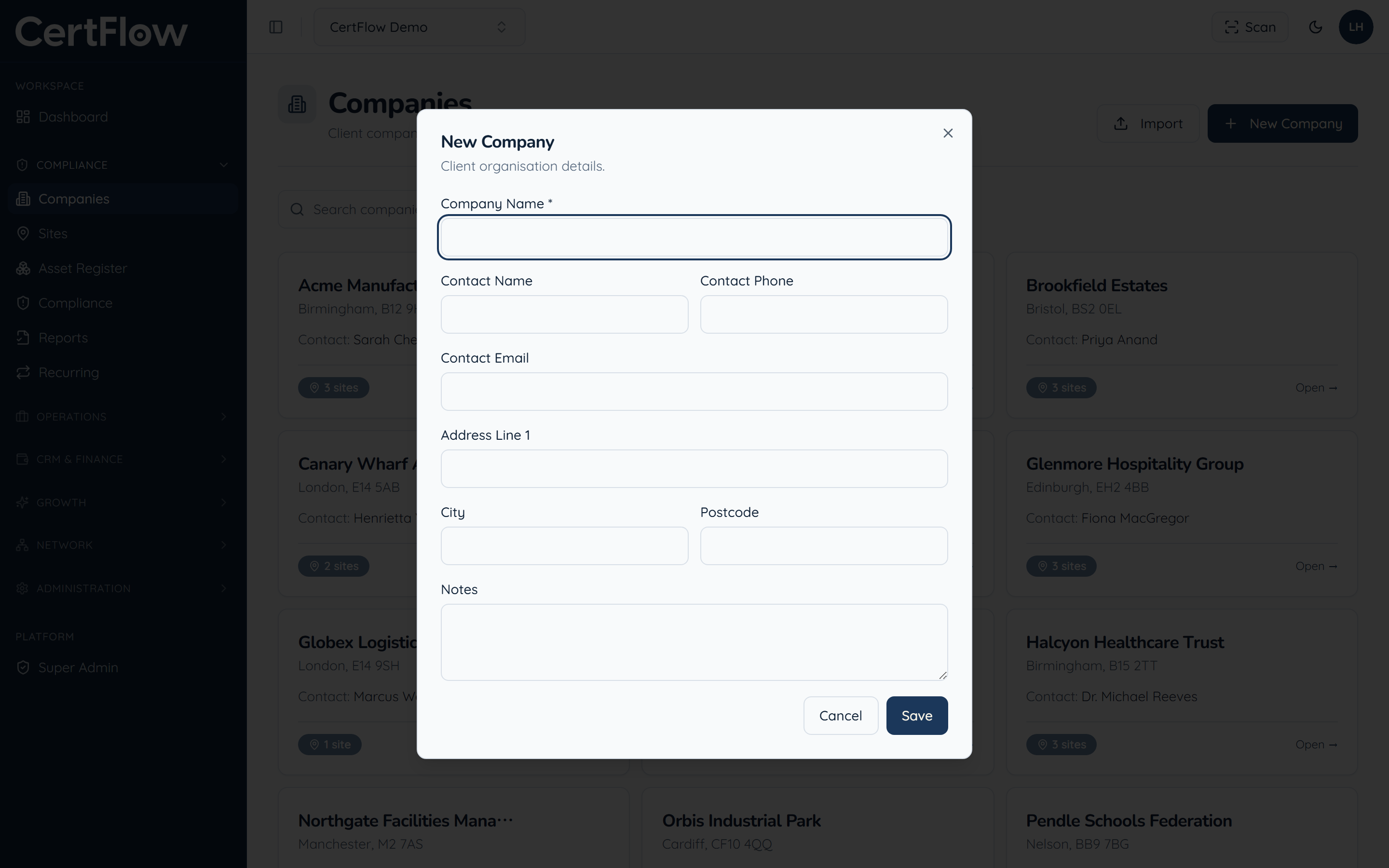
Enter the client details
Give the company a name (the only required field), then add a main contact, phone and email so they are one tap away from any job.
- 3
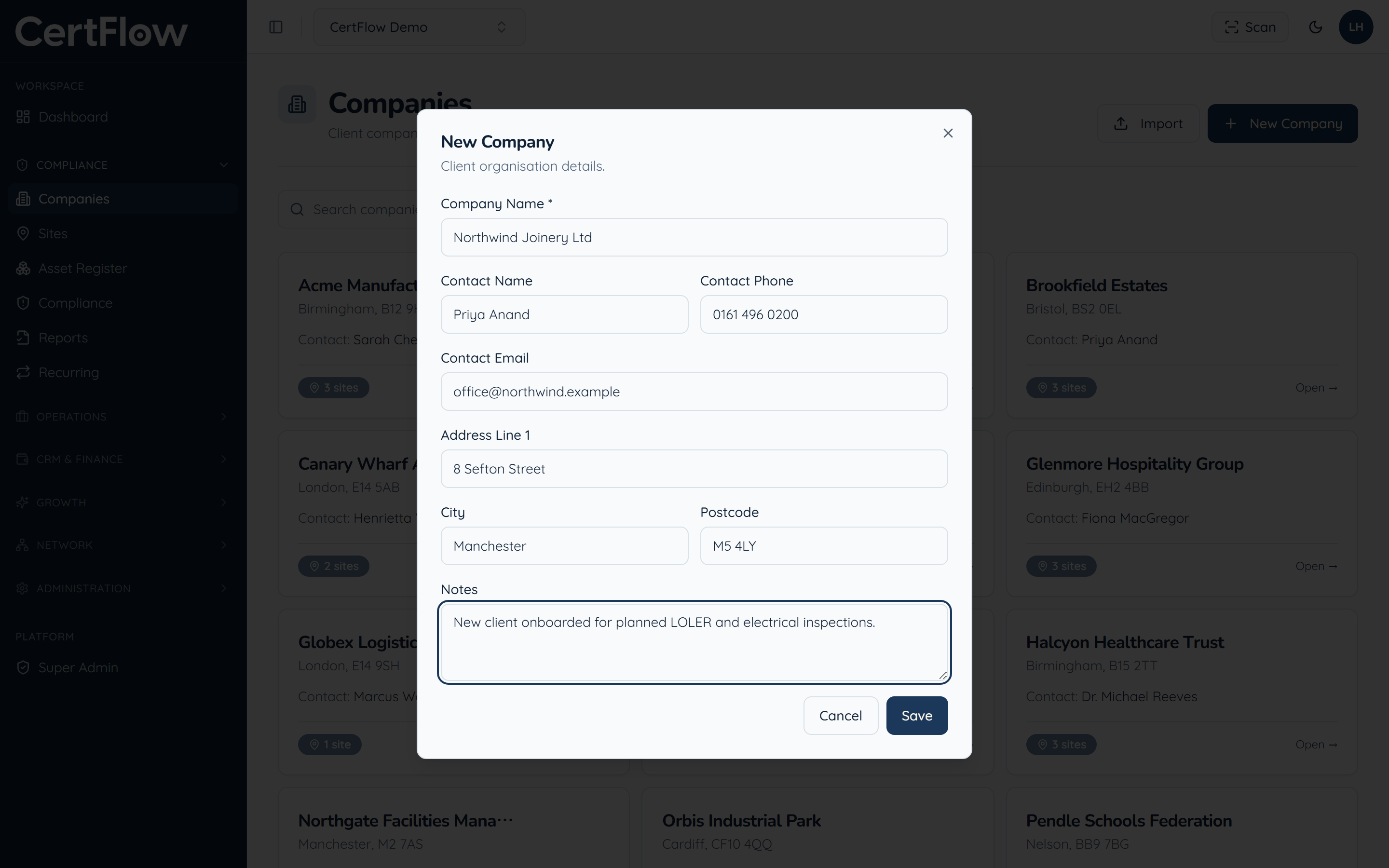
Add the address and any notes
Add the address and any notes about the account. You can add as many sites to this client as you need afterwards.
- 4
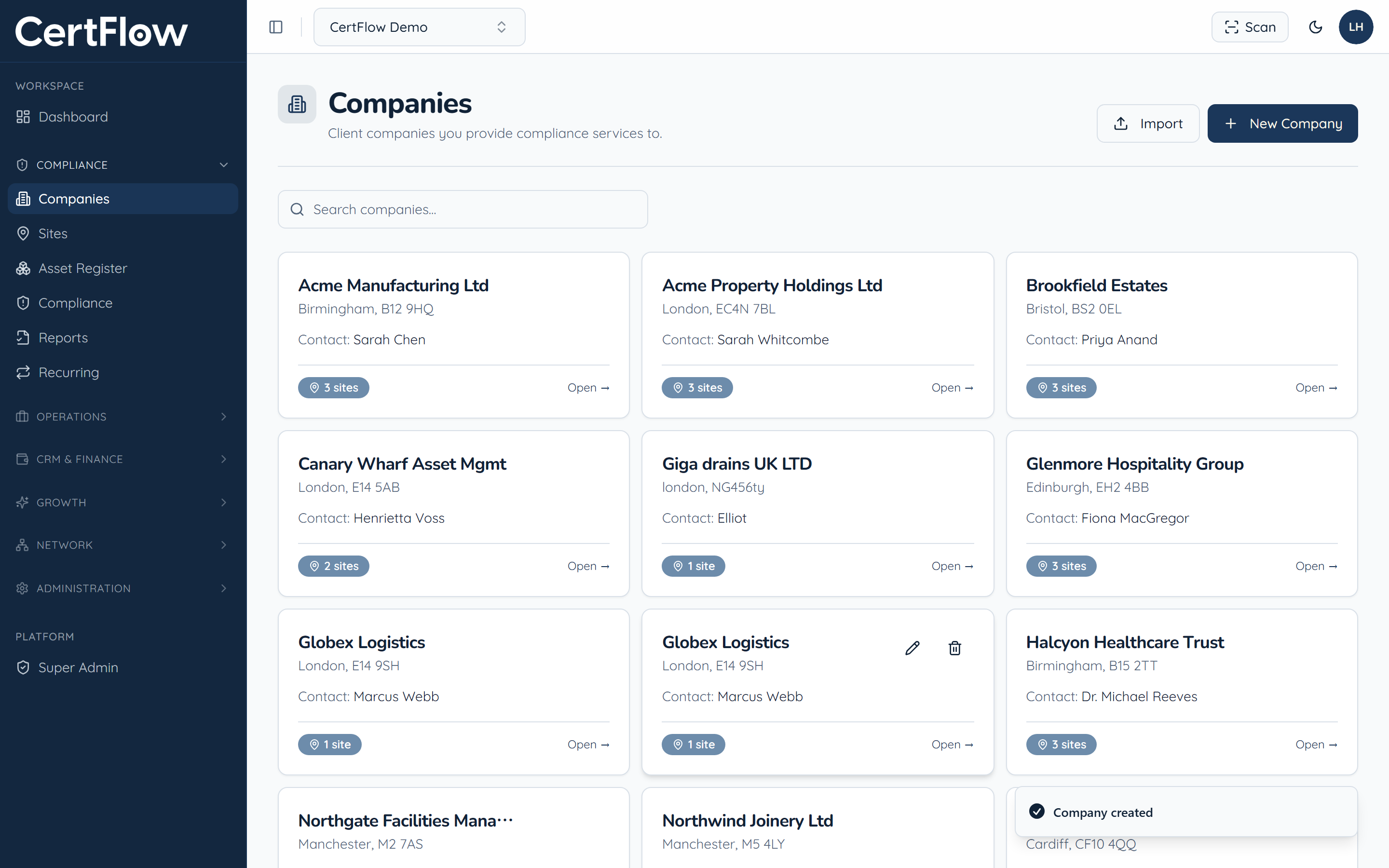
Save
Click Save. The client appears in your Companies list, ready for you to add their sites.
Want to try this on your own data?
Related