
Getting started
How to add a site
Sites are the physical locations you inspect: offices, factories, depots, retail units. Each site belongs to one company (your client) and is where assets live. Adding one takes under a minute.
- 1
Open Sites and click New Site
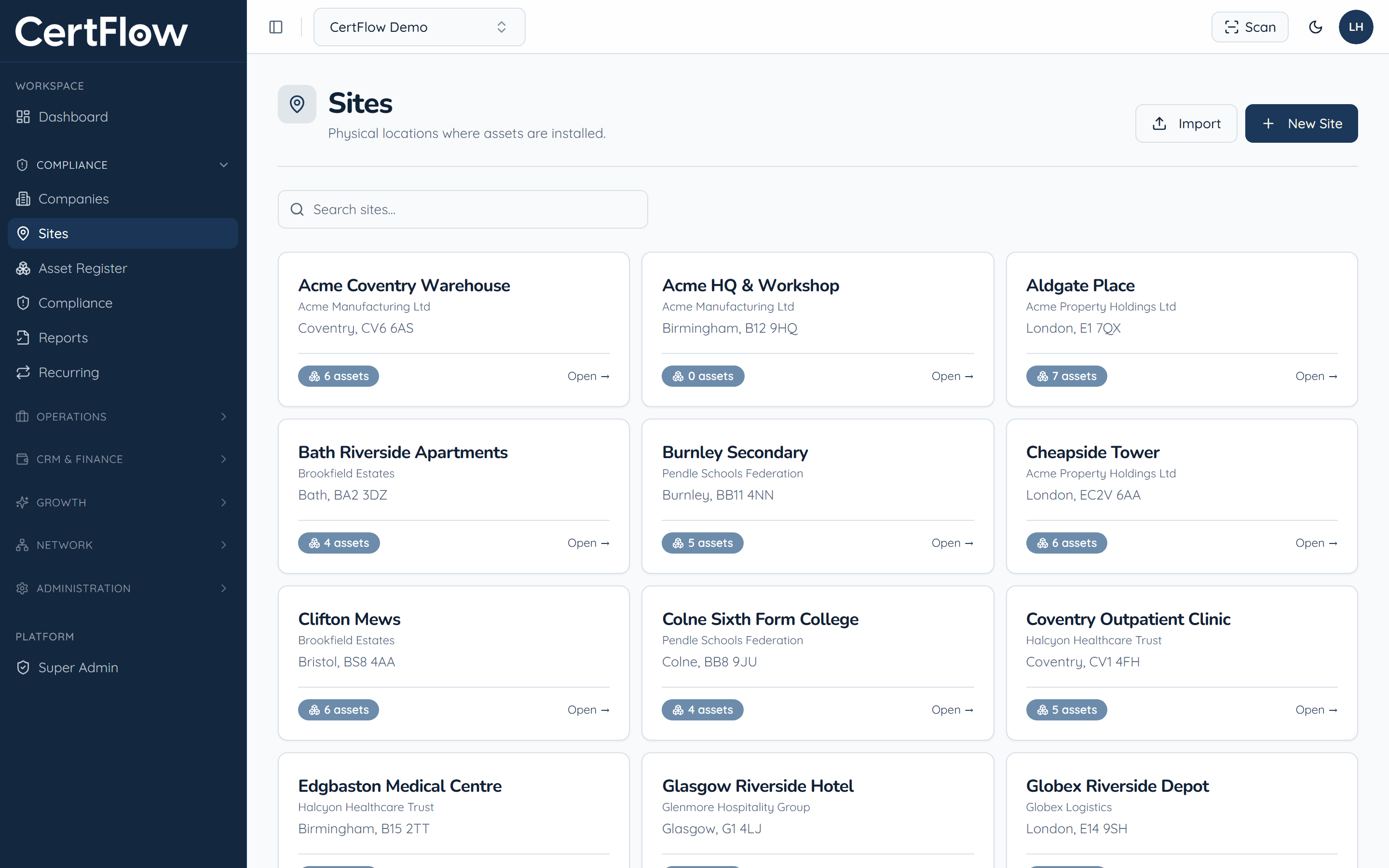
In the left sidebar, under Compliance, open Sites, then click New Site at the top right (or Add your first site if the list is empty).
- 2
Choose the client and name the site
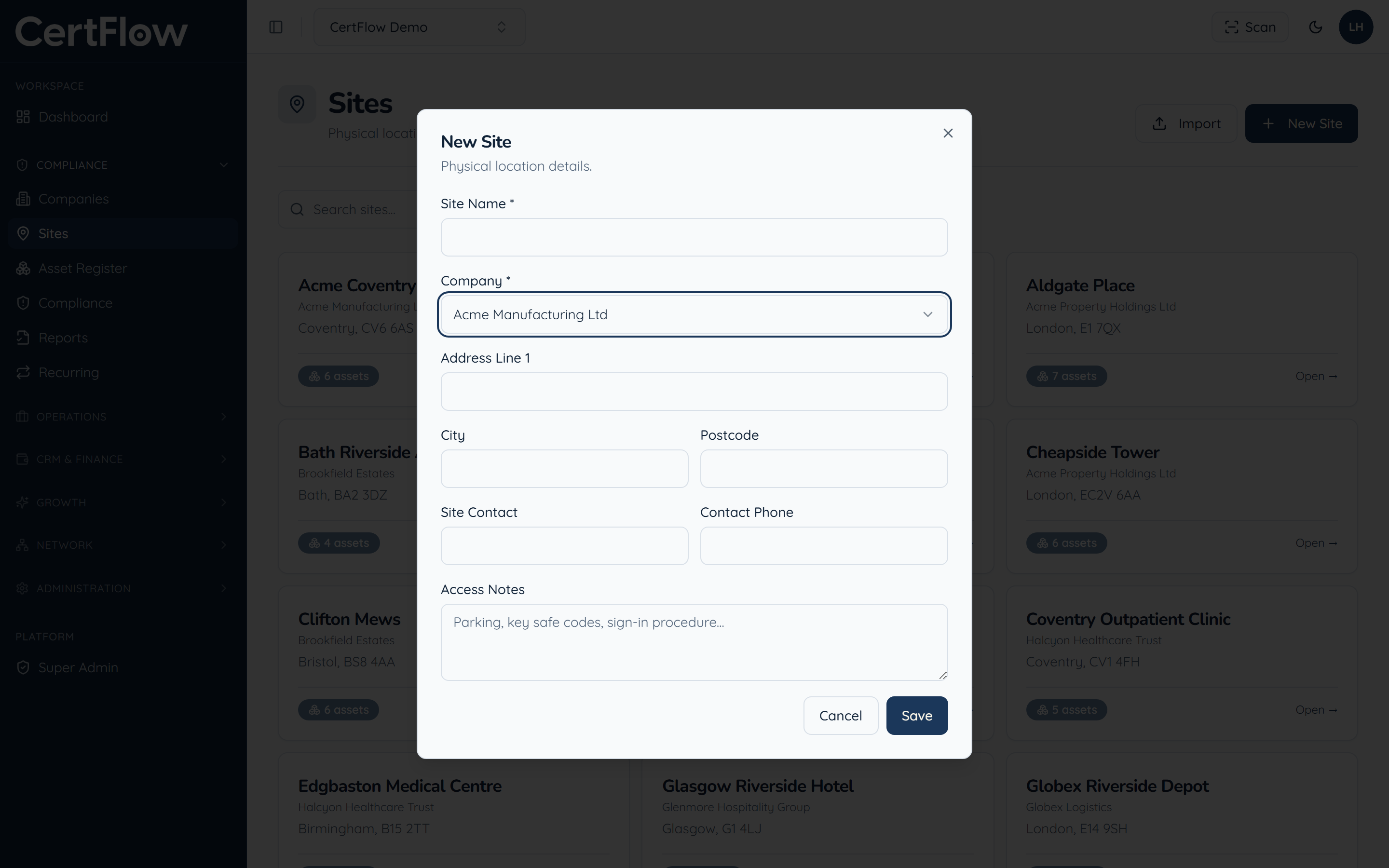
Pick the company the site belongs to, then give the site a name. Add the address: it powers the map view, route planning and engineer directions.
- 3
Add contact and access details
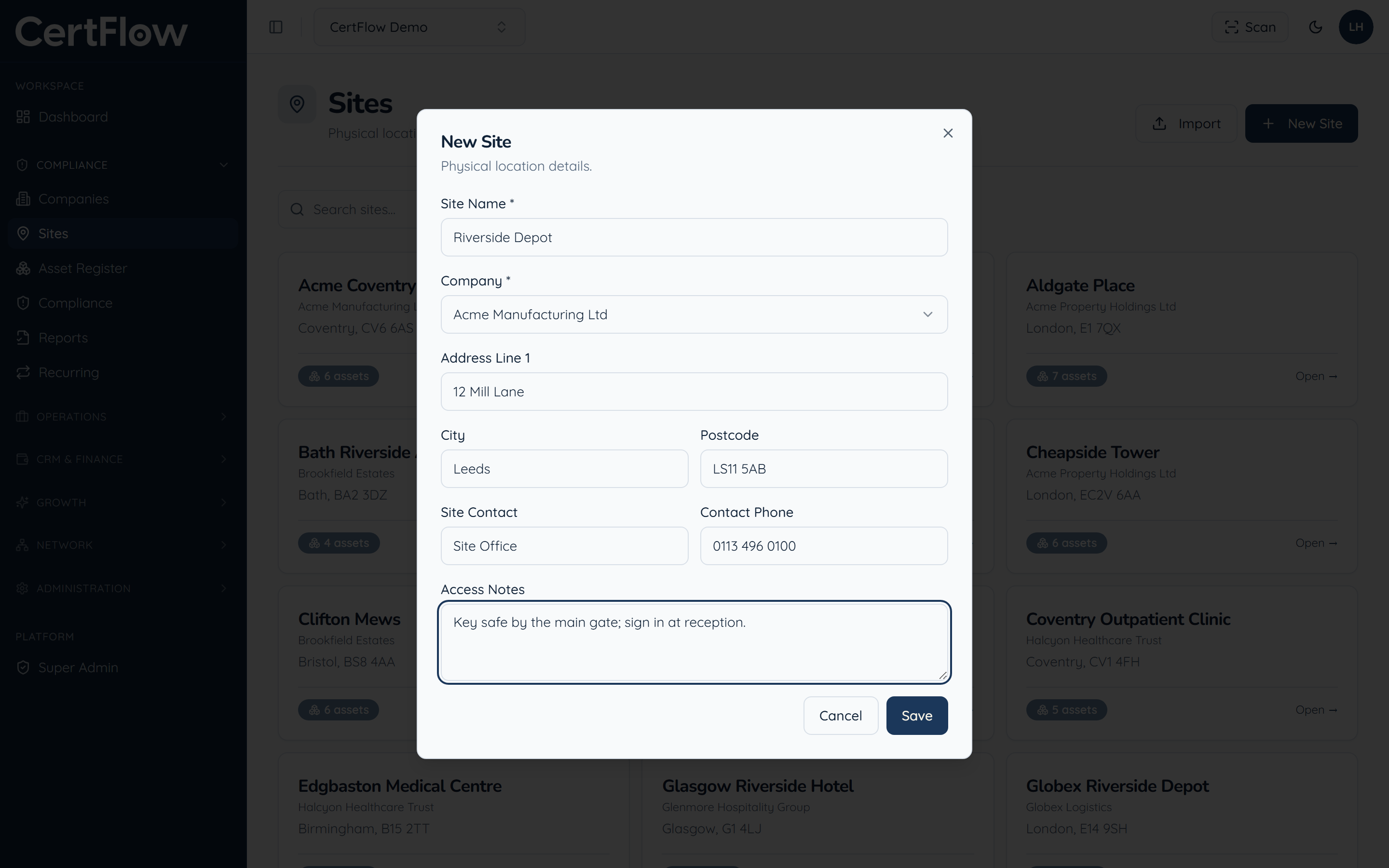
Add a site contact and phone, plus any access notes your engineers need, such as parking, key-safe codes or the sign-in procedure. These travel with the job so nobody turns up unprepared.
- 4
Save
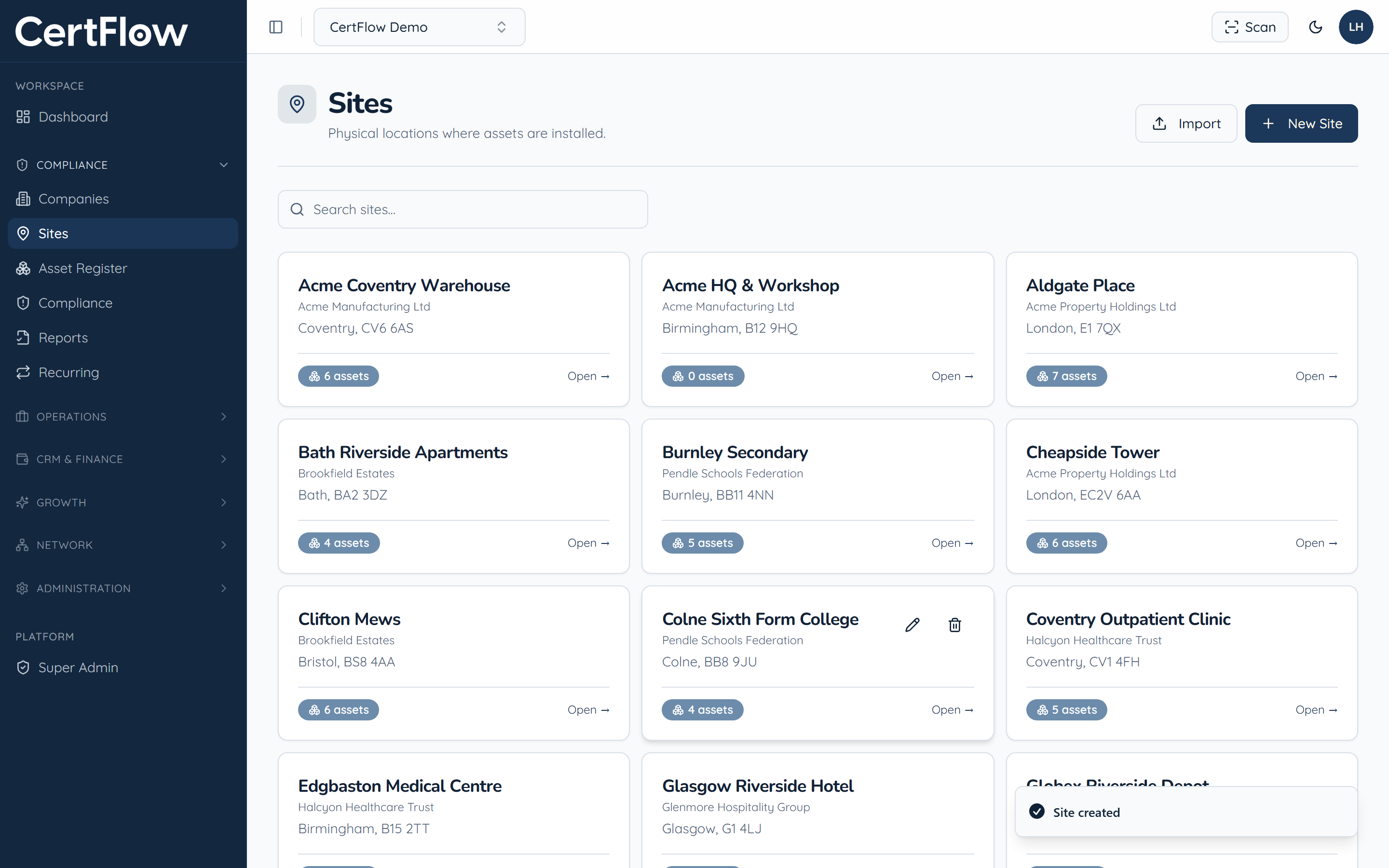
Click Save. The site appears in your Sites list, ready for you to register assets against it.
Want to try this on your own data?
Related