
Team & competency
Set working hours, time off and on-call
Availability feeds the calendar and job scheduler. Set it once and CertFlow stops you booking someone who is off, on holiday, or outside their working hours.
- 1
Set weekly working hours
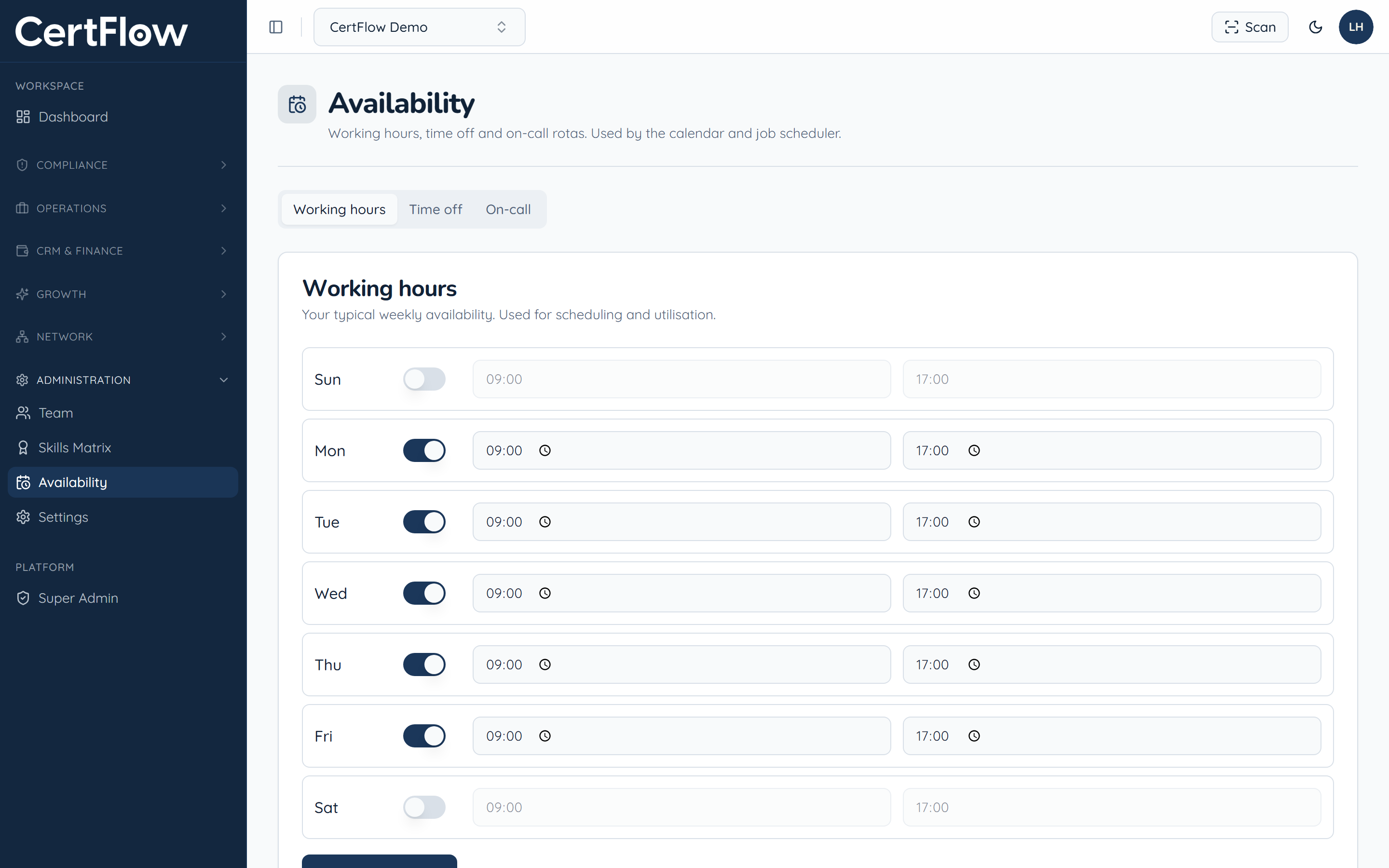
Under Administration, open Availability. On the Working hours tab, switch on each working day and set the start and end times. This drives scheduling and utilisation.
- 2
Book time off
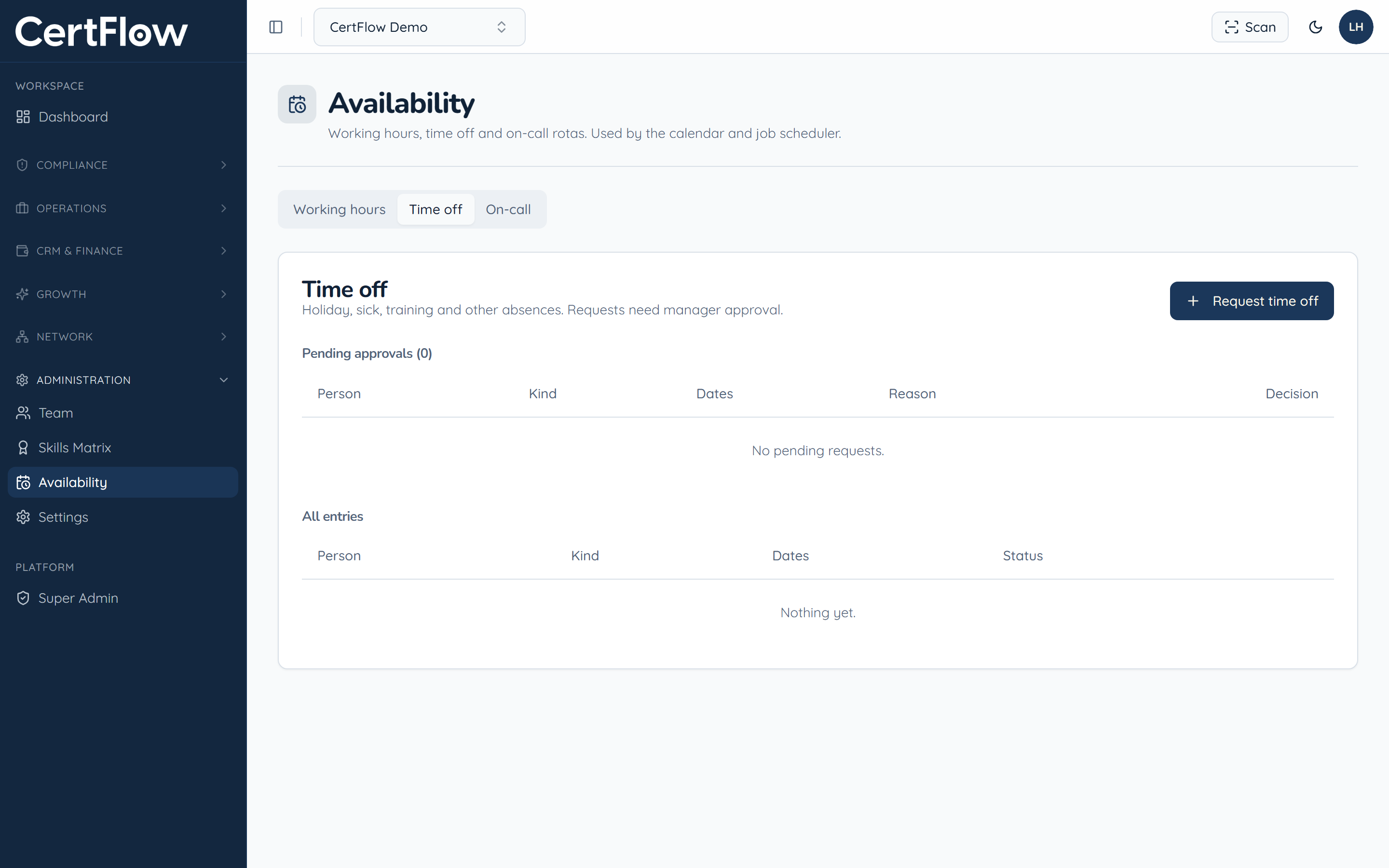
On the Time off tab, click Request time off for holiday, sickness, training or other absences. Requests go to a manager for approval, then block out the calendar so no one is booked while away.
- 3
Set the on-call rota
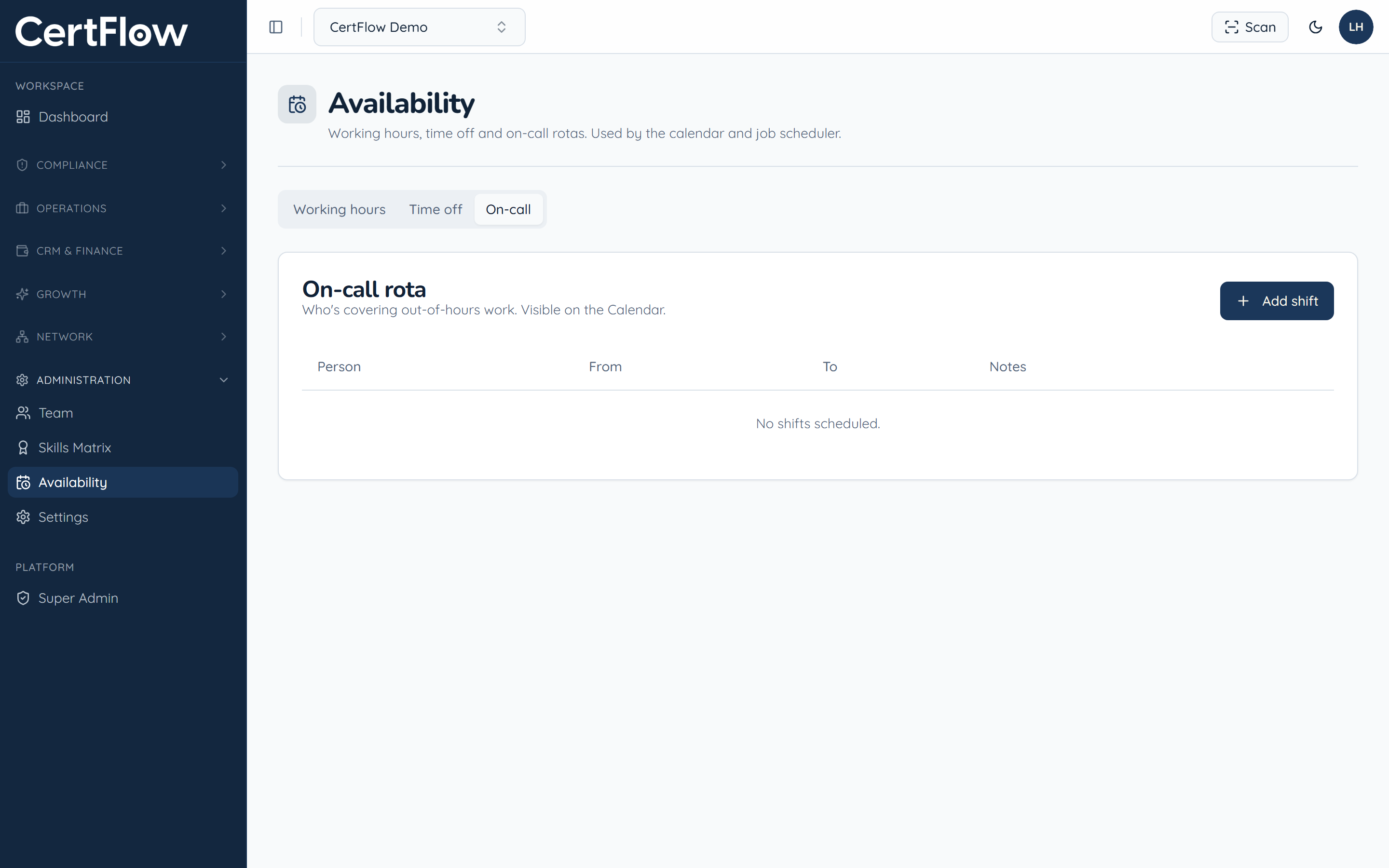
On the On-call tab, click Add shift to record who is covering out-of-hours work. On-call cover shows on the calendar alongside scheduled jobs.
Want to try this on your own data?