
Compliance
Using the compliance register
The compliance register is your live, audit-ready view of every asset. At a glance you see what is overdue, due soon or failed, and your pass rate, across every client and site. It updates the moment an inspection is completed.
- 1
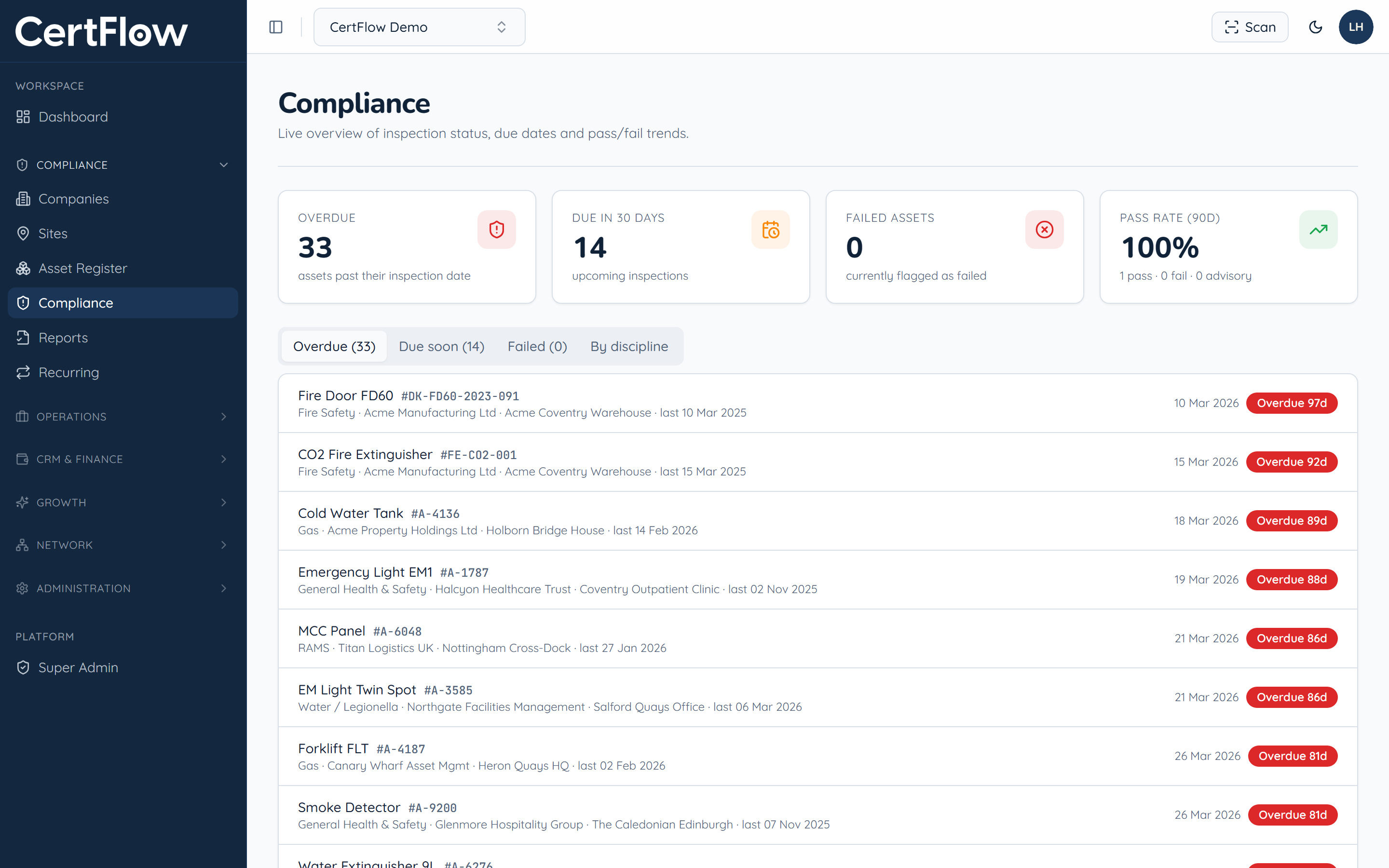
Open Compliance
In the left sidebar, open Compliance. The header shows overdue, due-in-30-days, failed and pass-rate figures across your whole portfolio.
- 2
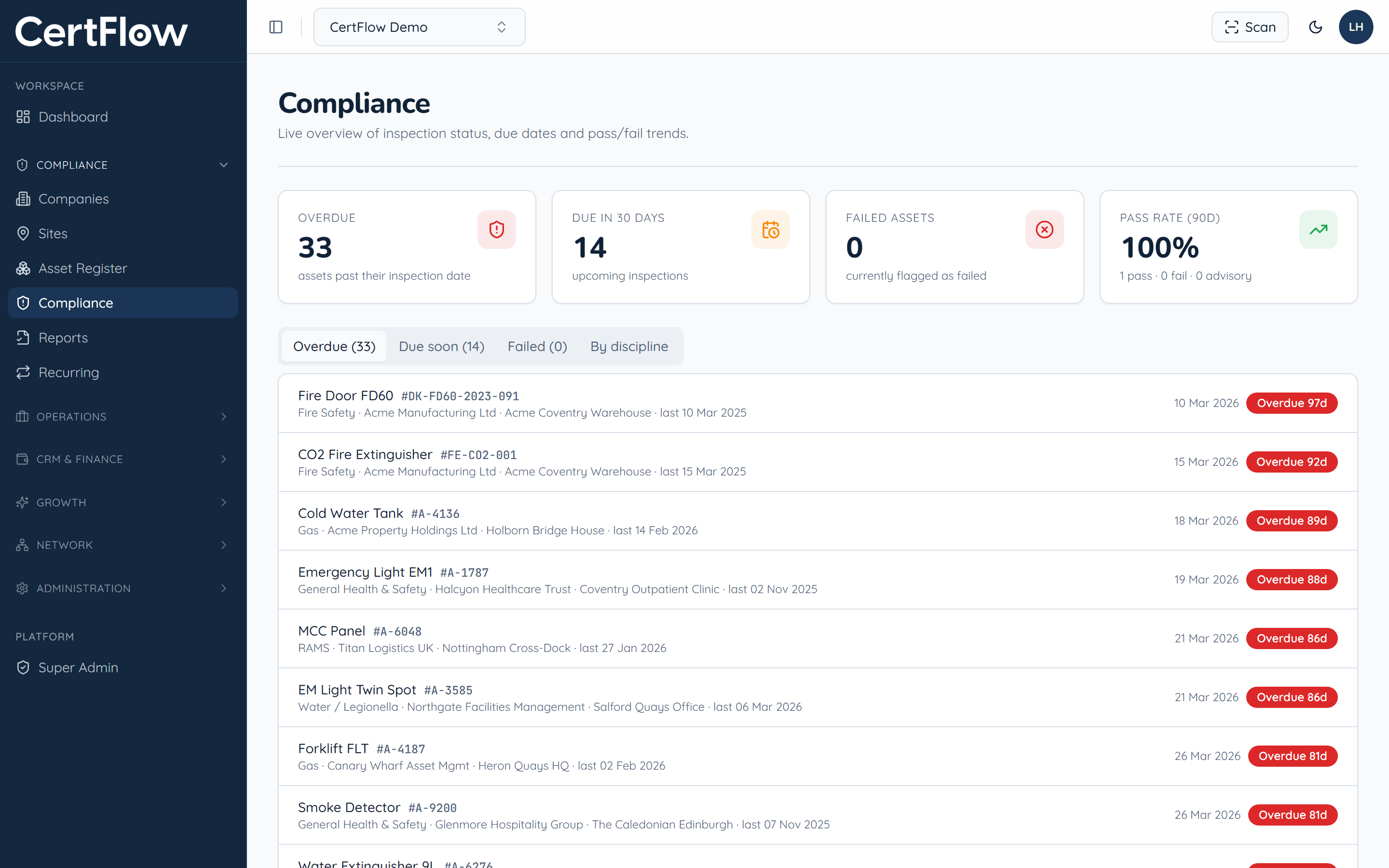
Focus on what needs attention
Switch between Overdue, Due soon and Failed to see exactly which assets need action, with the client, site and how many days each one is overdue.
- 3
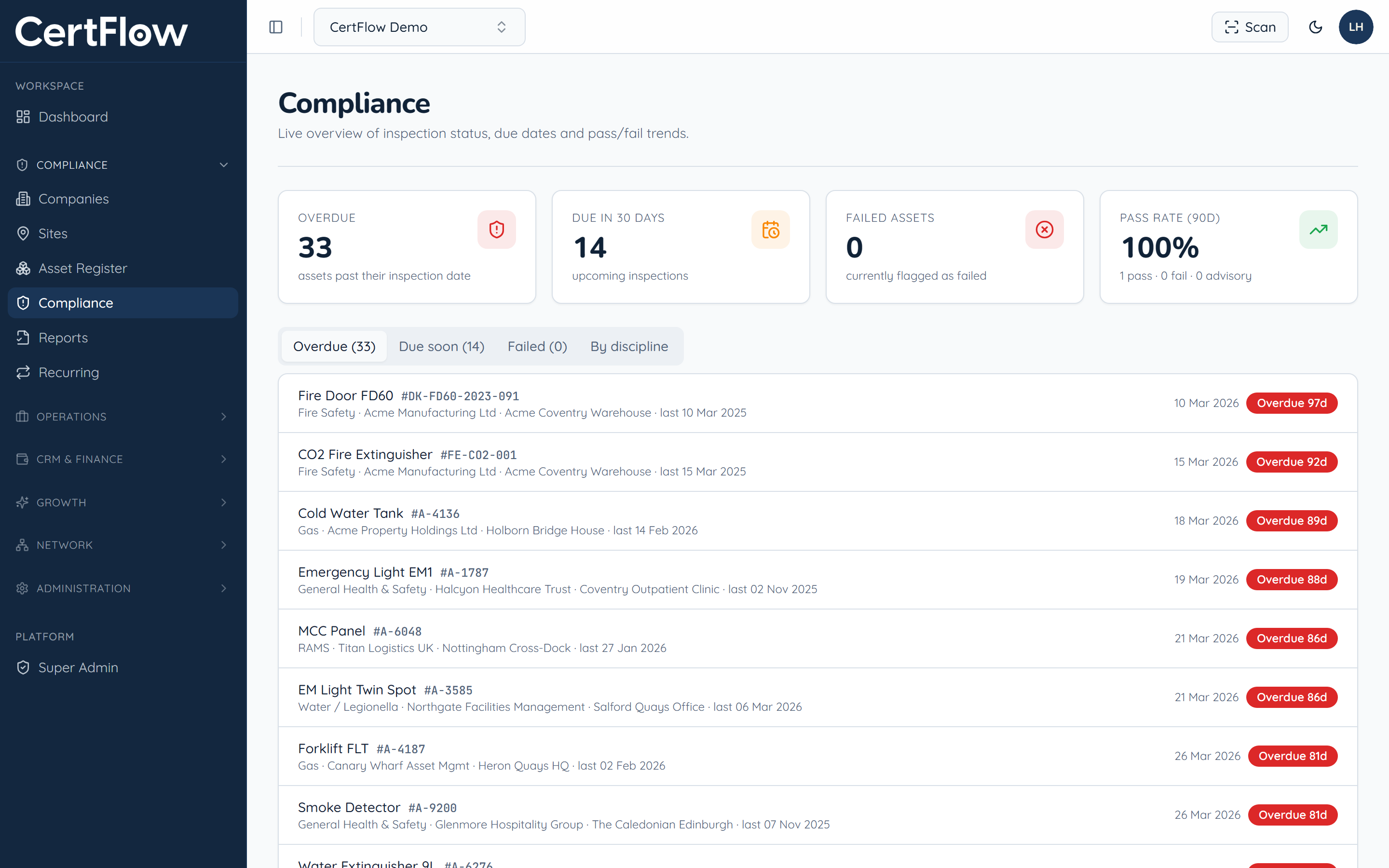
Group by discipline
Switch to By discipline to see status across electrical, fire, lifting, gas and the rest, handy for planning a round or reporting to a client.
Want to try this on your own data?